
 company
Category: Security

Security
Windows 11 Onlooker Detection warns you if someone’s snooping
You know that feeling that someone’s looking over your shoulder? When you’re working, it’s not just creepy, it’s a security issue. But Microsoft’s working on a…
Security
Think it’s Microsoft? Beware – email phishing scams are getting smarter
Another email from Microsoft. But this time it’s asking you to take urgent action to protect your account. Before you click any links or provide any…
Security
Beware these free tools – they may be hiding ransomware
Need to change a file from one format to another? Easy, just Google a file converter, right? Stop! That may not be as safe as it…

Security
Cyber Fraud is costing businesses MILLIONS
Think fraud is only a problem for big corporations? Think again. Small and medium sized businesses are huge targets. And it’s costing a fortune. Here’s how…
Security
Phishing scam: Criminals can access your Microsoft account without the password
Just when you think you’ve got cyber security sorted for your business, a new scam comes along. This time, cyber criminals don’t even need to trick…
Security
Strong passwords aren’t optional—they’re your first line of defence
Sick of saying “next slide please” in your Teams meetings? Microsoft has a small but powerful new feature that will put an end to that. Find…
Security
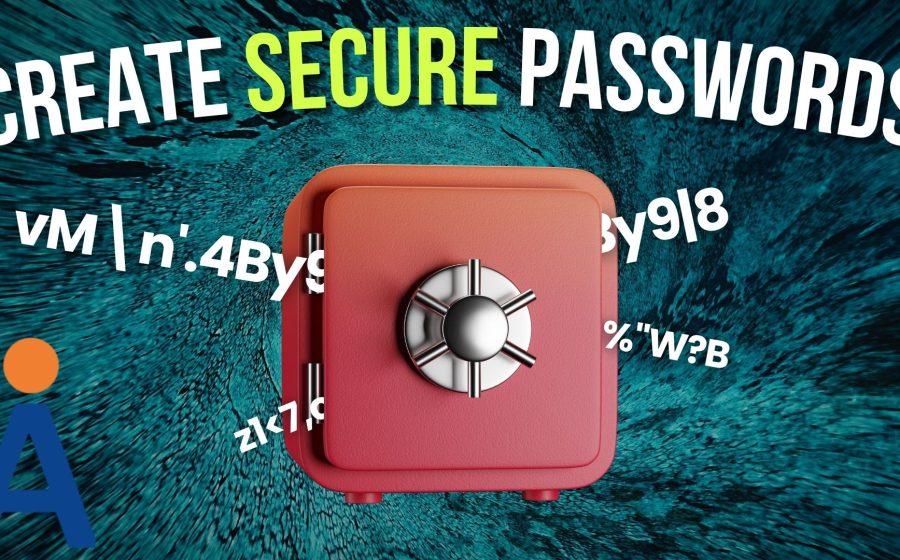
How to create a secure password
Weak passwords are one of the biggest security risks to your business. Why? Because cyber criminals are getting smarter than ever before. If they manage to…
Security
Cyber Attack: What to do when disaster strikes
Is Edge your business’s browser of choice? Microsoft’s thinking of automatically opening Copilot when you use it. It could boost productivity, but there are privacy concerns…
Security
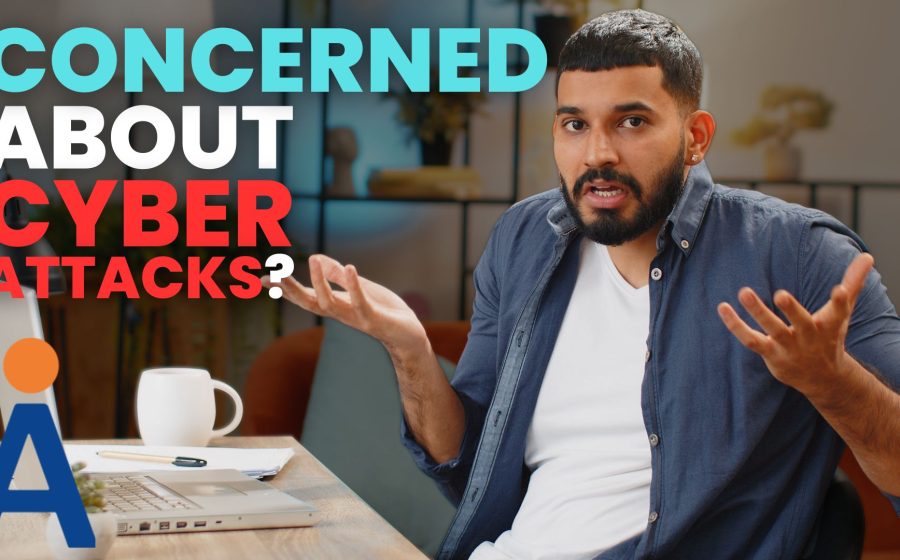
How concerned should you be about cyber attacks?
You’ve probably heard a lot of talk about cyber attacks but how worried should you really be? Well, very, because cyber criminals are getting smarter. We…
Security
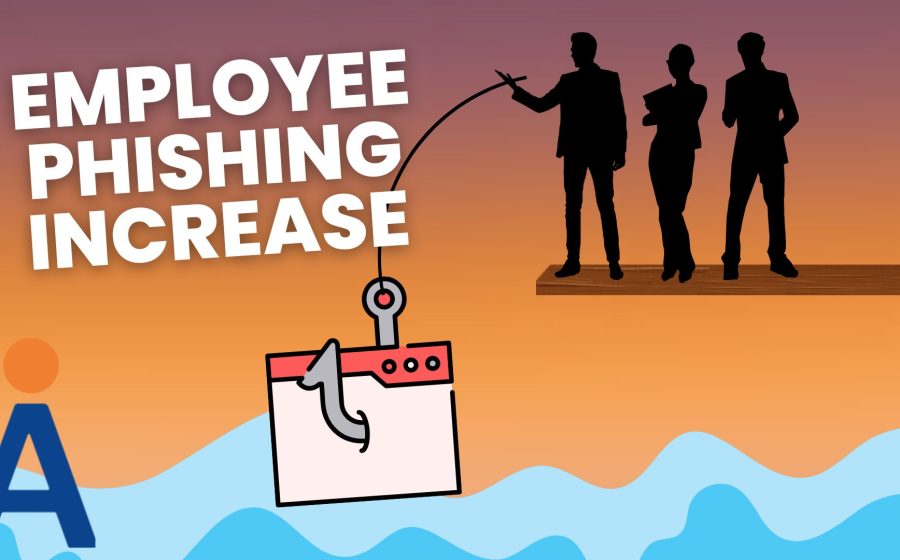
Employees are falling for 3x more phishing scams
Cyber criminals are getting smarter, and businesses are paying the price – especially when it comes to phishing attacks. Here’s what to watch out for…