
Good people. Great technology.
Customer support0330 124 6174

PRACTICAL ADVICE. CLEAR THINKING.

InsightsA little clarity for your next move.

Useful perspectives on security, AI and the tools your team uses every day. Clear advice to help you make informed decisions.

Explore the insights.
White and turquoise text over a flowing blue abstract background reads, “WINDOWS 11: Smoother, faster and less irritating.” An orange dot above a stylized “A” appears in the bottom right, highlighting new Windows 11 updates focused on speed and real productivity gains.

News

Windows 11 updates – new focus on efficiency

What if the biggest productivity boost for your team isn’t a new tool but a smoother experience with the tools they already use? Tiny delays, cluttered…
A hand holds an hourglass against a blue background. Text reads: Still using Windows 10? YOU’RE ON BORROWED TIME—Windows 10 extended support ends in October 2026. A stylized A logo appears in the top right corner.

News

Relying on Windows 10 extended support? Time to upgrade

Still relying on Windows 10 with Extended Security Updates? Your safety net has an end date and it’s approaching fast. When it disappears, so does your…
Graphic showing three colored silhouettes (green, blue with headset, red), a large shopping cart, a bright abstract logo, and text Ready for… AI Shopping?! on a gray background—highlighting the risks of using AI for shopping.

News

AI checkouts – Do you really want your team to use this?

If someone on your team could buy something for work without ever visiting a website (or leaving their desk), would you know? AI tools are changing…
That annoying Teams habit... FIXED! Microsoft has corrected some annoying problems with Teams, as shown on an image of a keyboard filled with Esc keys and one red Enter key circled. A stylized A logo appears in the bottom left corner.

News

Finally, fixes for these Microsoft Teams issues

Notice how tiny tech quirks can disrupt an otherwise productive day? Some long-requested fixes are finally rolling out in Microsoft Teams. The kind of changes that…
A green trash bin on a blue background, with text reading A much-loved PowerPoint feature IS GONE—a nod to the Reuse Slides PowerPoint feature removed—and a large blue letter A with an orange dot in the top right corner.

News

PowerPoint drops its “Reuse Slides” feature

Have you noticed a time saving feature is missing from PowerPoint? It’s not a mistake. But it might be a productivity killer. Luckily, there are a…
A red alarm clock sits on a pink background. Text reads A new Taskbar feature TO SAVE YOU TIME with colorful graphics and a stylized A logo in the corner.

News

“Ask Copilot” is coming to your Taskbar (but only if you want it to)

What if your computer could understand what you mean, not just what you type? Microsoft’s testing something new in Windows 11 that could completely change how…
A diverse group of hands forms a circle around the Microsoft Copilot logo, with the text See how your people are using Copilot above. Discover if your team is using Copilot efficiently with Copilot Benchmark. A stylized letter A appears in the bottom left corner.

News

Is your team using AI well? Copilot Benchmarks can tell you

You’ve adopted Copilot in your business. You know the potential benefits are huge. But is your team as enthusiastic about using it as you are? This…
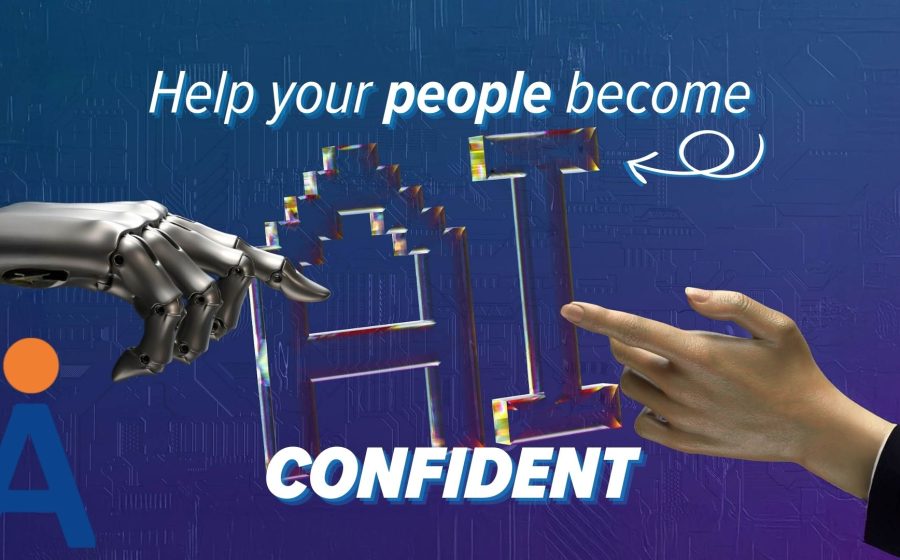
A robotic hand and a human hand point toward the letters AI with the text “Help your people become AI confident” on a blue background with a circuit pattern, highlighting how confidence in using it can affect AI adoption.

News

AI Adoption – How to help your people be AI confident

Has your business embraced AI? Or do employees feel worried or even judged for using it? If you want to benefit from everything AI can offer,…
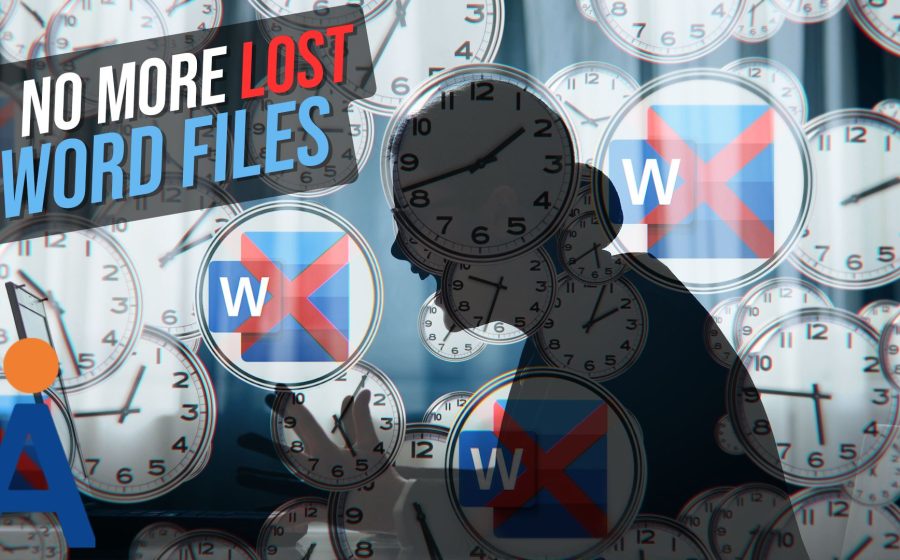
A stressed person is surrounded by clocks and Word document icons with red Xs; a sign reads No more lost Word documents. Changes to Word Autosave coming. A stylized A logo appears in the lower left corner.

News

Word Autosave changes coming – Never lose a document again

You know that sick feeling you get when your computer crashes? Hours of work swirl down the drain. All because you forgot to hit “Save”. Well,…

PUT GOOD ADVICE INTO PRACTICE

What does it mean for your business?

Let’s talk about your IT and where you could make a difference.

FREE IT HEALTH CHECK

Let’s talk about your IT.

Tell us a little about yourself and when it’s best to call.

When works for you?

UK time

We’ll use your details to arrange your health check. Privacy policy

We will contact you to confirm a suitable time.