
 company
Security News
IT INSIGHTS AND EXPERT KNOW-HOW
YOUR GO-TO SPOT FOR THE LATEST INDUSTRY NEWS AND ESSENTIAL IT RESOURCES.

BUSINESS / HARDWARE / HOW TO / NEWS / SECURITY / GUIDES / TIPS & TRICKS / WEB & CLOUD

AI Security risks – Stop AI agents creating security blind spots
AI is starting to do more than just help your team.
It’s making decisions and taking actions on your behalf.
Everything runs and work gets done faster.
But if something doesn’t look right, could you explain why?…

Beware the Microsoft Azure Monitor Alert Scam
A lot of scams are getting much harder to spot.
They don’t look suspicious anymore. And this latest one is slipping straight past email security.
Most businesses wouldn’t question it, that’s why it’s working……

AI generated password? Don’t trust with this security essential
Are the passwords protecting your business as strong as you think they are?
There’s a growing shortcut that looks clever on the surface, and feels efficient, but could weaken your security without you realizing.
If you’re using AI in your business, this is something you need to understand……

Beware the next generation of phishing attacks
Most phishing scams still feel a little… amateur.
But the next shift is dangerous.
Attackers are changing how scams are built, not just how they’re sent. And the signs people have been trained to look for won’t always be there anymore……

Consider this before using AI browsers at work
Ever wondered what really happens behind the scenes when your team uses an AI-powered browser?
There’s a hidden trade-off between convenience and security that most businesses don’t spot until it’s too late.
And it could affect your sensitive data, your compliance, and even your day-to-day operations……

At last: Sync Windows passkeys across your devices
Tired of juggling passwords and endless reset emails?
There’s a smarter, safer way to log in. Once again, Microsoft is about to make life a lot easier for you and your team.
No passwords. No lockouts. Just quick, secure access wherever you are……

Secure browsers – New scam protection tool in Microsoft Edge
Those fake “your computer is infected” pop-ups are getting smarter. And scarier.
But there’s some big news from Microsoft that could make them a thing of the past.
This update to Edge is changing how your browser fights back against online scams……

Fake Apps can spread hidden malware fast
How do you know the app you just downloaded is really what it claims to be? Even your most careful employees may be fooled. Is your business ready for that risk?…

Cyberattacks – 80% of malware is powered by AI
Cybercrime is evolving fast… and AI is changing the game for both hackers and how we defend against them. Is your business ready for this?…

Warning: That antivirus website could be fake and hiding Malware
Scammers have been creating replica antivirus downloads that steal your data instead of protecting it. Here’s what you need to watch out for……

Windows 11 Onlooker Detection warns you if someone’s snooping
You know that feeling that someone’s looking over your shoulder?
When you’re working, it’s not just creepy, it’s a security issue. But Microsoft’s working on a very cool feature in Windows 11 that will stop people snooping at your work. Here’s what we know so far……

Think it’s Microsoft? Beware – email phishing scams are getting smarter
Another email from Microsoft. But this time it’s asking you to take urgent action to protect your account. Before you click any links or provide any personal information, ask yourself: Is it really Microsoft? Or could it be a phishing attempt? Here’s how to tell……

Beware these free tools – they may be hiding ransomware
Need to change a file from one format to another? Easy, just Google a file converter, right? Stop! That may not be as safe as it seems. Find out why here……

Cyber Fraud is costing businesses MILLIONS
Think fraud is only a problem for big corporations? Think again. Small and medium sized businesses are huge targets. And it’s costing a fortune. Here’s how to stay safe……

Phishing scam: Criminals can access your Microsoft account without the password
Just when you think you’ve got cyber security sorted for your business, a new scam comes along. This time, cyber criminals don’t even need to trick you out of your password to access your accounts… they can fool you with something called a “device code”….

Strong passwords aren’t optional—they’re your first line of defence
Sick of saying “next slide please” in your Teams meetings? Microsoft has a small but powerful new feature that will put an end to that. Find out more here……

How to create a secure password
Weak passwords are one of the biggest security risks to your business.
Why?
Because cyber criminals are getting smarter than ever before. If they manage to crack just one password, they could gain access to your sensitive business data, financial information, or even gain control of your entire system.
Cyber criminals use automated tools to guess passwords, allowing them to try out millions of combinations in seconds. So, if you’re using something like “Password123” or “CompanyName2025”, you’re practically handing them the keys to your business.
A compromised password can lead to big issues, such as:
• Data breaches
• Financial losses
• Identity theft
• Reputation damage
But how do you create strong passwords without driving yourself (and your team) mad?
Think of your password like a secret recipe, where only you should know the ingredients. It should:
• Be at least 14 characters long (the longer, the better)
• Include a mix of uppercase and lowercase letters
• Contain a few numbers and symbols (like @, $, %, or &)
• Not contain any common words or easily guessable information (like birthdays, names, or the word “password”)
Instead of using a single word, you could try a passphrase – a short, random sentence that only you would understand. For example, instead of “Sailing2025”, try something like “Coffee&CloudsAreGreat9!”. This is much harder to crack, yet still easy to remember.
You should also steer clear of these common mistakes:
• Using personal info (your name, birthday, business name, etc.)
• Reusing the same passwords across multiple accounts
• Using simple sequences (“123456” or “abcdef”)
• Storing passwords in an easily accessible place (like a sticky note on your desk)
If remembering unique passwords for every account sounds impossible, there is another option: Password managers. These generate strong passwords, store them securely and autofill them for you.
With a password manager, you only need to remember one strong master password for the manager app itself. The rest are encrypted and stored safely, reducing the risk of data breaches.
Even the strongest password isn’t foolproof, which is why multi-factor authentication (MFA) is also important. MFA requires a second form of verification, like a one-time code sent to your phone or generated from an authentication app.
If you have employees accessing your business systems, it’s a good idea to have a password policy in place to explain your rules and why they’re important. This should include:
• Unique passwords for each system and account
• Regular security training on password best practices
• Business-wide use of MFA for critical systems
• Scanning for compromised passwords regularly
By making password security a priority, you can reduce the chances of a cyber attack creating a nightmare for your business.
And if you need help making your business more secure, get in touch….

Cyber Attack: What to do when disaster strikes
Is Edge your business’s browser of choice? Microsoft’s thinking of automatically opening Copilot when you use it. It could boost productivity, but there are privacy concerns to be aware of……

How concerned should you be about cyber attacks?
You’ve probably heard a lot of talk about cyber attacks but how worried should you really be? Well, very, because cyber criminals are getting smarter. We have good news to share about how you can protect your business…

Employees are falling for 3x more phishing scams
Cyber criminals are getting smarter, and businesses are paying the price – especially when it comes to phishing attacks. Here’s what to watch out for……

Windows Hello gets a new look and improved security
Is your business using Windows Hello yet? It offers easier and more secure login methods – and it’s about to get an upgrade. Here’s what’s changing….

New Ransomware scam – Beware that “Microsoft support call”
Would your employees give an unknown caller access to your business devices? But what if they got a Teams chat from someone posing as Microsoft support? Here we tell you all about a new ransomware scam…

New phishing attack is smarter than ever… here’s how to protect your business
Microsoft is warning business owners that trusted cloud storage services are being hijacked to trick you into handing over your data. Here we tell you what you need to know….

Is your business too small for a Cyberattack?
A sneaky new malware wants to annoy you into giving up your login details. It locks your browser in full screen mode, making you think you’re trapped… But you can easily escape and we’ll tell you how……

Beware this malware: It “annoys” you into handing over login details
A sneaky new malware wants to annoy you into giving up your login details. It locks your browser in full screen mode, making you think you’re trapped… But you can easily escape and we’ll tell you how……

Microsoft’s browser takes back the Edge with streamlined settings
Trying to find your way through the Settings menu in Microsoft Edge might leave you overwhelmed but a new update is about to make it easier. Here we tell you how….

Protect your business from a data leak with Microsoft Edge
Keeping your data away from the wrong hands is a big challenge. But thanks to Microsoft Edge for Business, it’s just become easier. Here we tell you why….

More businesses are proactively investing in cyber security defences
Cyber security: More and more businesses are making the smart business decision to invest in it. Find out why you should join them….

1 in 4 people struggle with password overload. Here’s the answer
Struggling from password overload? You’re not alone, and it’s putting your business at risk of data theft. Good news: There’s a very simple solution and we’ll tell you all about it….

Cyber attacks: Stronger, faster and more sophisticated
A new cyber security report has brought some bad news: Cyber attacks are getting stronger, faster, and more sophisticated. We have all the details….
And the award for most common phishing scam goes to…
Which phishing scam are you and your employees most at risk from? We tell you about the most common phishing emails and the easy way to stay safe….
Don’t think your business is a target? Think again
Cyber criminals are targeting businesses of all sizes, all the time. And new research shows just how they’re doing it. We tell you how to stay protected….
That long password isn’t keeping you better protected
Even passwords of 15 characters can be cracked by cyber criminals. Our latest tech update explains what to do instead…

That phishing site? Gone in 600 seconds
This latest stat we learned about phishing websites really surprised us. And it comes with good news about an enhanced way to protect your business. We give you all the details…
12 Ways to protect against Ransomware Attacks
…
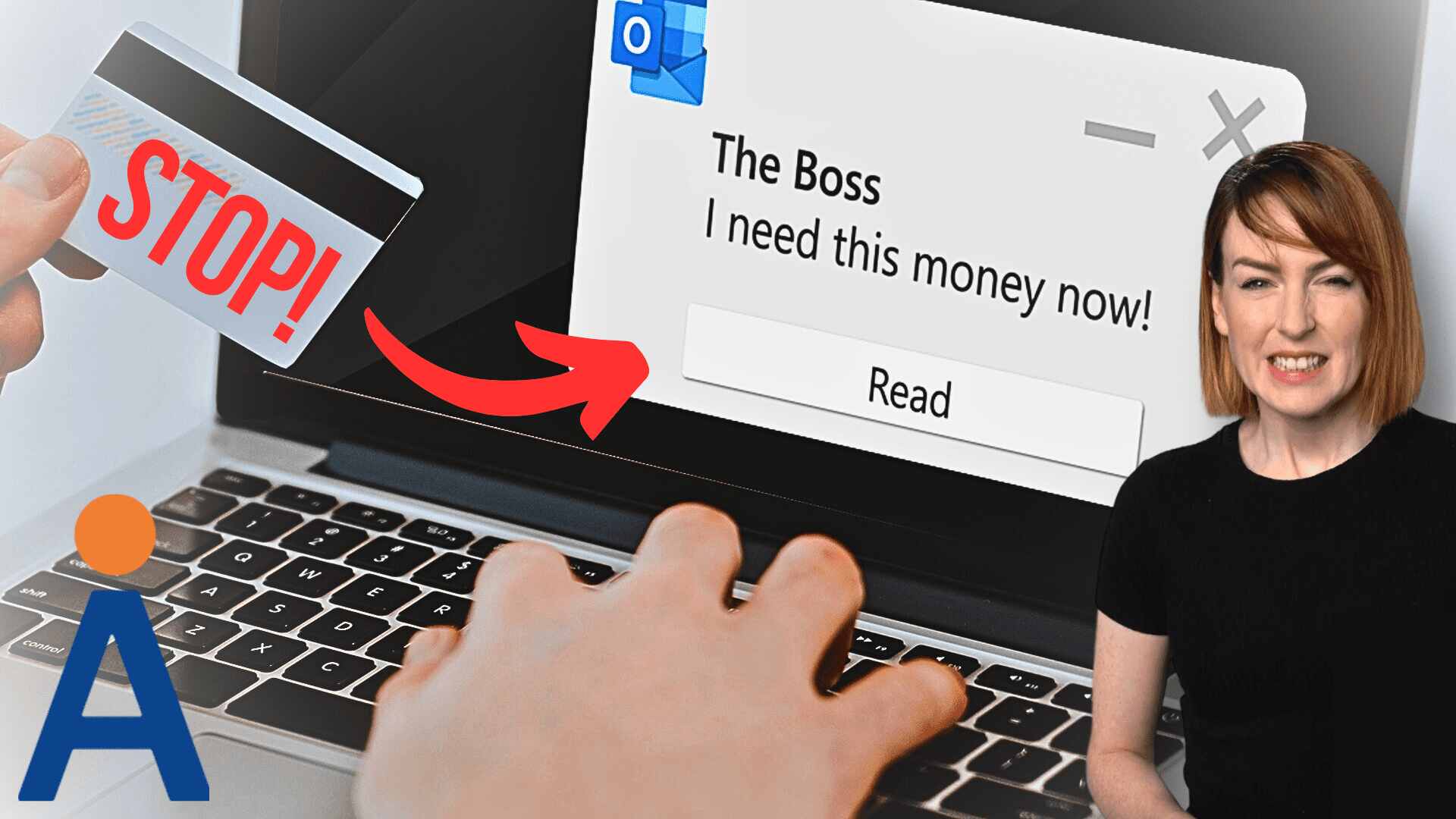
Stop! And think, before you act on that email
Don’t fall victim to cyber criminals. We explain what a BEC attack is and how to protect your business….
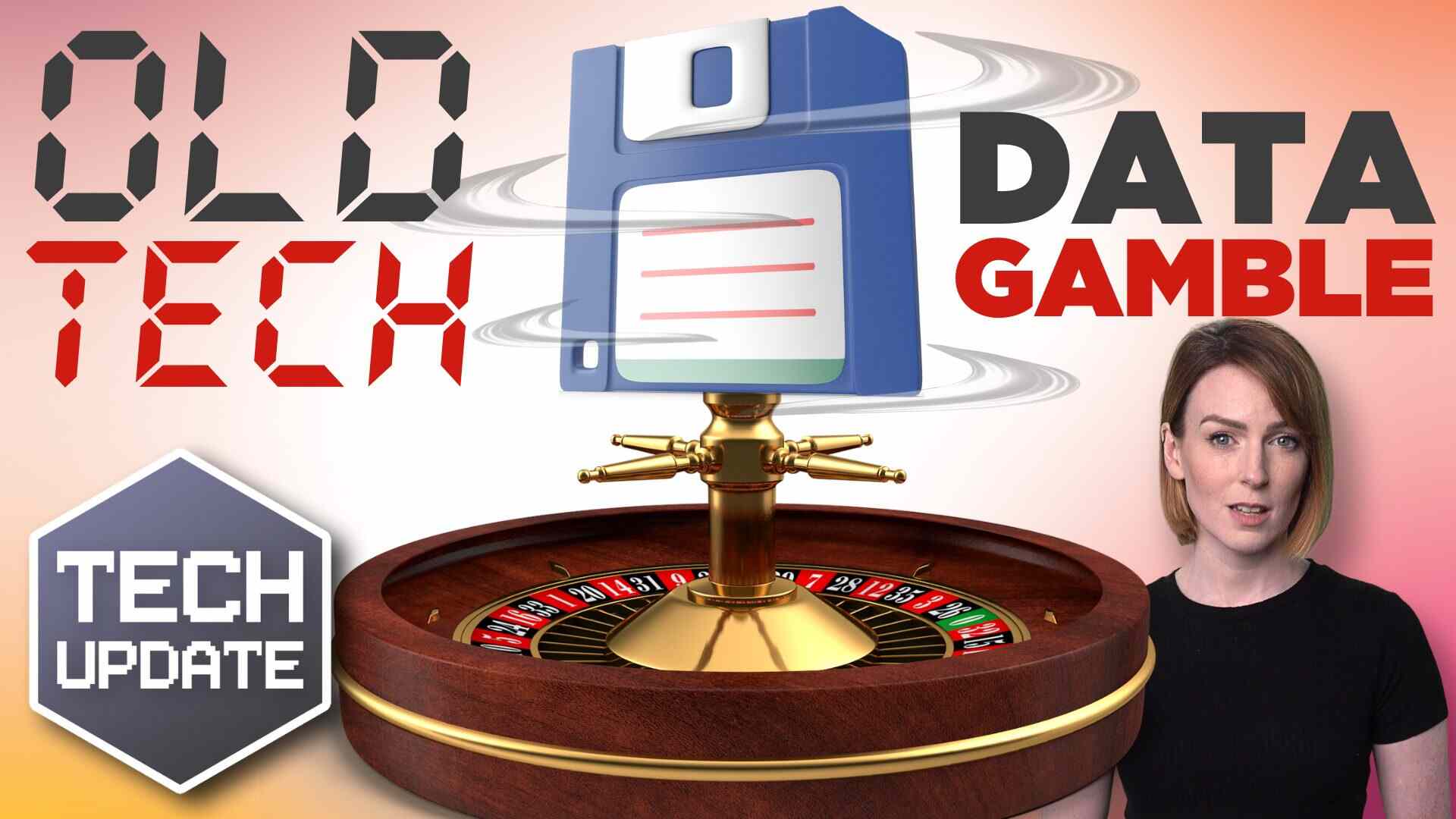
Is your business data at risk? Don’t take chances with old tech
Old computers and external drives can put your sensitive business data at risk.
We look at how to dispose of old computers and external drives in the safest way possible….

Here’s how cyber criminals try to hack your accounts while you sleep
Have you ever received a notification on your phone while you’re sleeping, asking if it’s really you logging in?
It’s called a fatigue attack and Microsoft Authenticator’s latest feature will help to protect you….
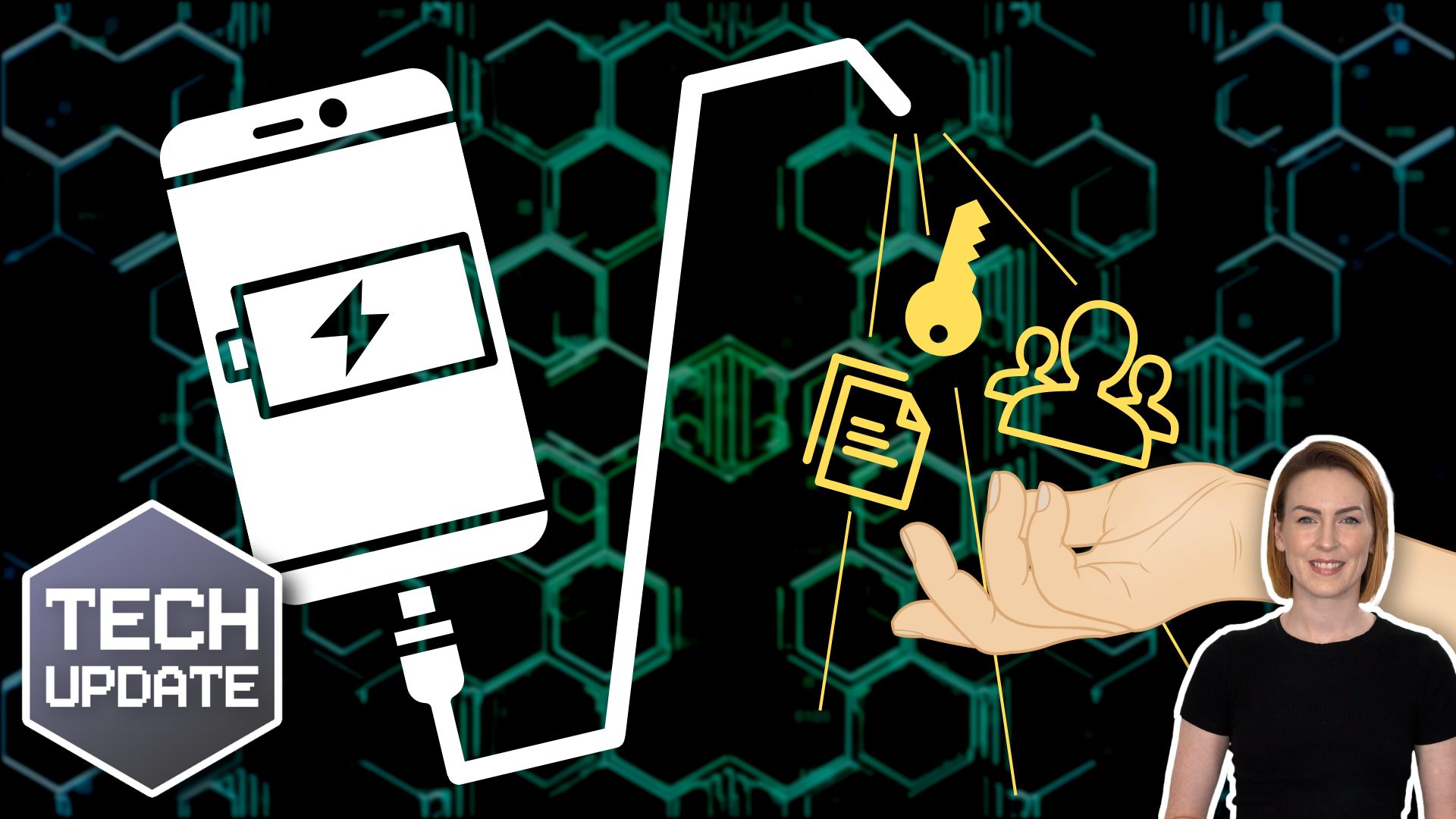
Charging in public places? Watch out for “juice jacking”
Airports, hotels, cafés, even shopping centres, offer public charging points where you can boost your phone or laptop battery on the go. They’ve been in the news after the FBI recently tweeted advice to stop using them. Crooks have figured out how to hijack USB ports to install malware and monitoring software onto devices as they charge. The security risk …
Read More…

Cyber Hygiene Series – Video 3: What you can do to keep your organisation safe
This final video is the most important. It covers the three key areas to keep your organisation’s data safe….
Make sure your business is Two-Factor-Authenticated
Why MFA is a crucial part of security for any business Multi-Factor Authentication (MFA) is a simple way to help secure your business against potentially damaging attacks by adding……

Cyber Hygiene Series – Video 2: Threats within the organisation
Welcome to this important video series about how to keep your organisation’s data safe. In this second video, we look at the threats facing you from within your organisation. …
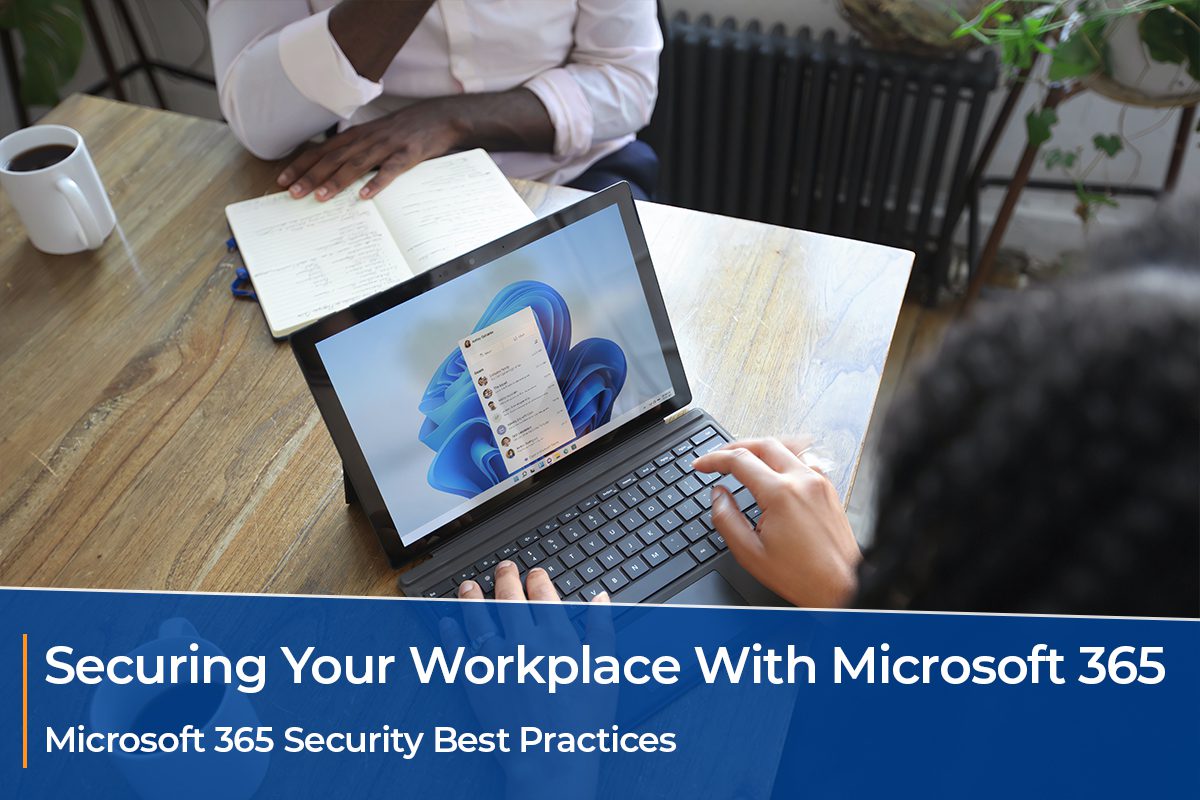
Securing Your Workplace With Microsoft 365
The modern age that we are living in is truly revolutionary, now that technology has taken over both our home and work lives more than anyone could have anticipated a……

Cyber Hygiene Series – Video 1: Hackers
Welcome to this important video series about how to keep your organisation’s data safe. In this first video, we show you how easy it is for hackers to break into……

Microsoft says this new malware could bankrupt your business
Microsoft says this new malware could bankrupt your business Cybersecurity experts at Microsoft are warning Office users of an elaborate new malware campaign that involves fake subscriptions, and fraudulent call……
The internet has turned us all into amateur detectives
The internet has turned us all into amateur detectives They’ve broken up. I know they’ve broken up because I haven’t seen him on her Instagram Stories for weeks now, and……

5 Major Reasons for “Why is Cyber Security Important?”
Why is cybersecurity important? Familiarising With The Term Cyber Security You must have heard of the word cyber security, making headlines in the news, internet, social media, IT forums, etc…….

Essential Cyber Security Defences
Essential Cyber Security Defences Cyber security should be at the top of your list of concerns within your business. The days of cyber criminals / ‘hackers’ being tech geniuses……

Pets’ names used as passwords by millions
Millions of British people are using their pet’s name as their online password, despite it being an easy target for hackers, a survey has found. The National Cyber Security Centre……

3 security risks of cloud computing you need to be aware of
Foreword Cloud computing is now an extremely popular part of organisations’ technology infrastructure. But whilst it is flexible, scalable, resilient, and reliable, its complexity means that security considerations must be……

How to maintain a secure IT system when employees work remotely
Working remotely offers great benefits to your organisation but also brings with it some risks to your IT security. Maintaining a secure IT system will help your organisation ensure business……

The importance of backup and disaster recovery for security
Are you an SME? Want to eliminate your IT headache? Don’t want to break the bank? Apogee are experts in IT consultancy, offering services including: application selection security assessments strategic……

What technology and security do I need to work remotely?
Working from home is the norm for many people, but for most of us, it’s something that takes a lot of adjustment to find what works for you. Those of……

How scammers launch phishing attacks via VoIP
In a voice phishing (vishing) scam, scammers may pretend to be a bank representative, a government official, or any type of legitimate entity requesting confidential information via Voice over Internet Protocol (VoIP) platforms. With expanding avenues of cyberattacks, remaining vigilant is more important than ever. Learn why vishing campaigns are effective….

A smart approach to cybersecurity investment
Most small- to medium-sized businesses (SMBs) don’t possess the resources to run and maintain their IT infrastructure, let alone assess whether it’s still driving value for the company. However, if you want to ensure everything is running smoothly, it’s important to conduct technology business reviews whenever possible….

What is the biggest vulnerability to cyber and information security?
Most small- to medium-sized businesses (SMBs) don’t possess the resources to run and maintain their IT infrastructure, let alone assess whether it’s still driving value for the company. However, if you want to ensure everything is running smoothly, it’s important to conduct technology business reviews whenever possible….